Creating your first basic post
First go to https://www.olsensdentalpractice.com/perch/ and log in using the username and password I’ll give you.
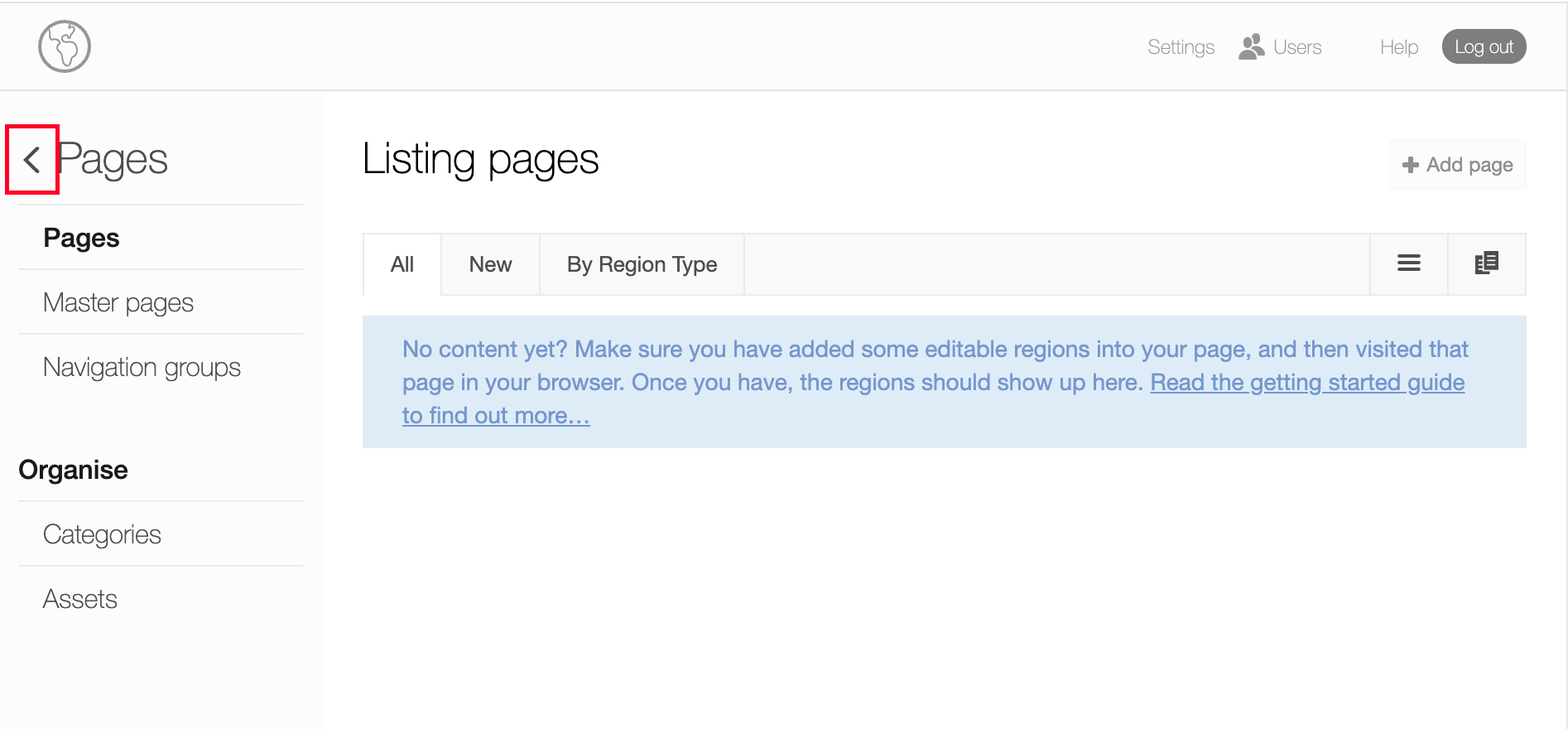
You will then see this page where you should click the arrow indicated:
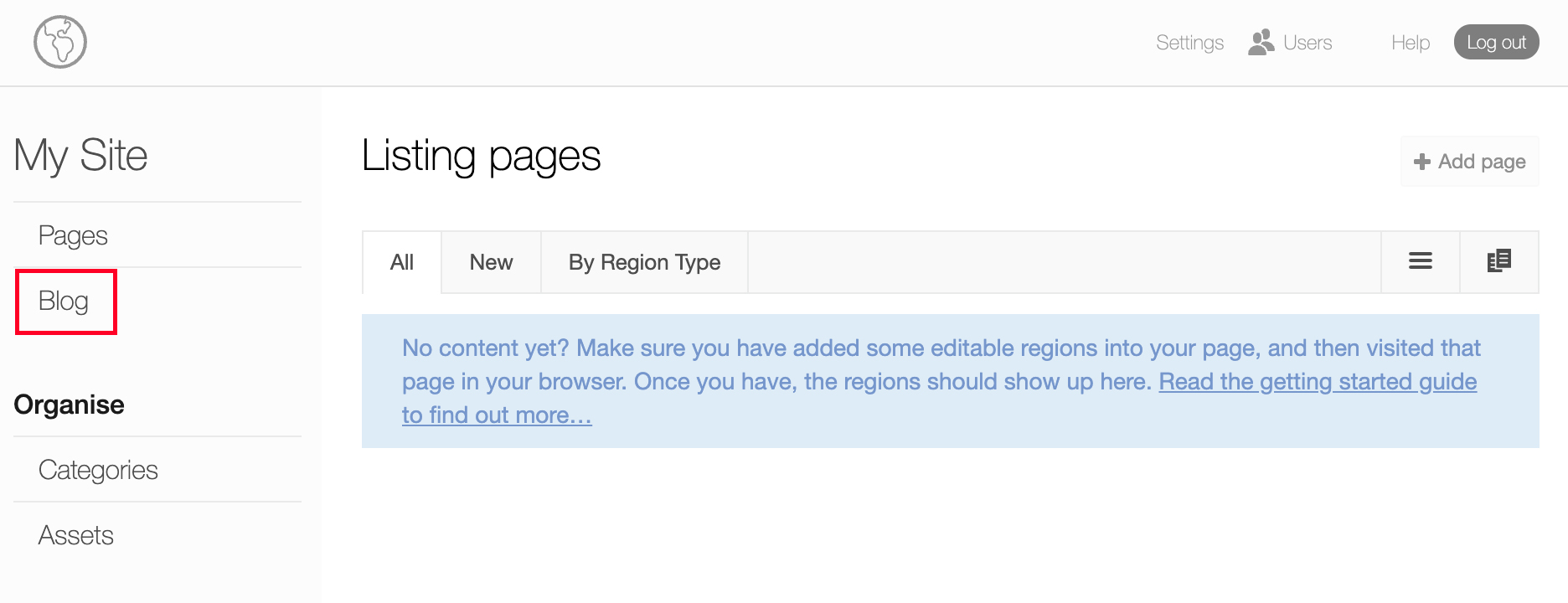
You will then be taken to this page where you should click on ‘Blog’:
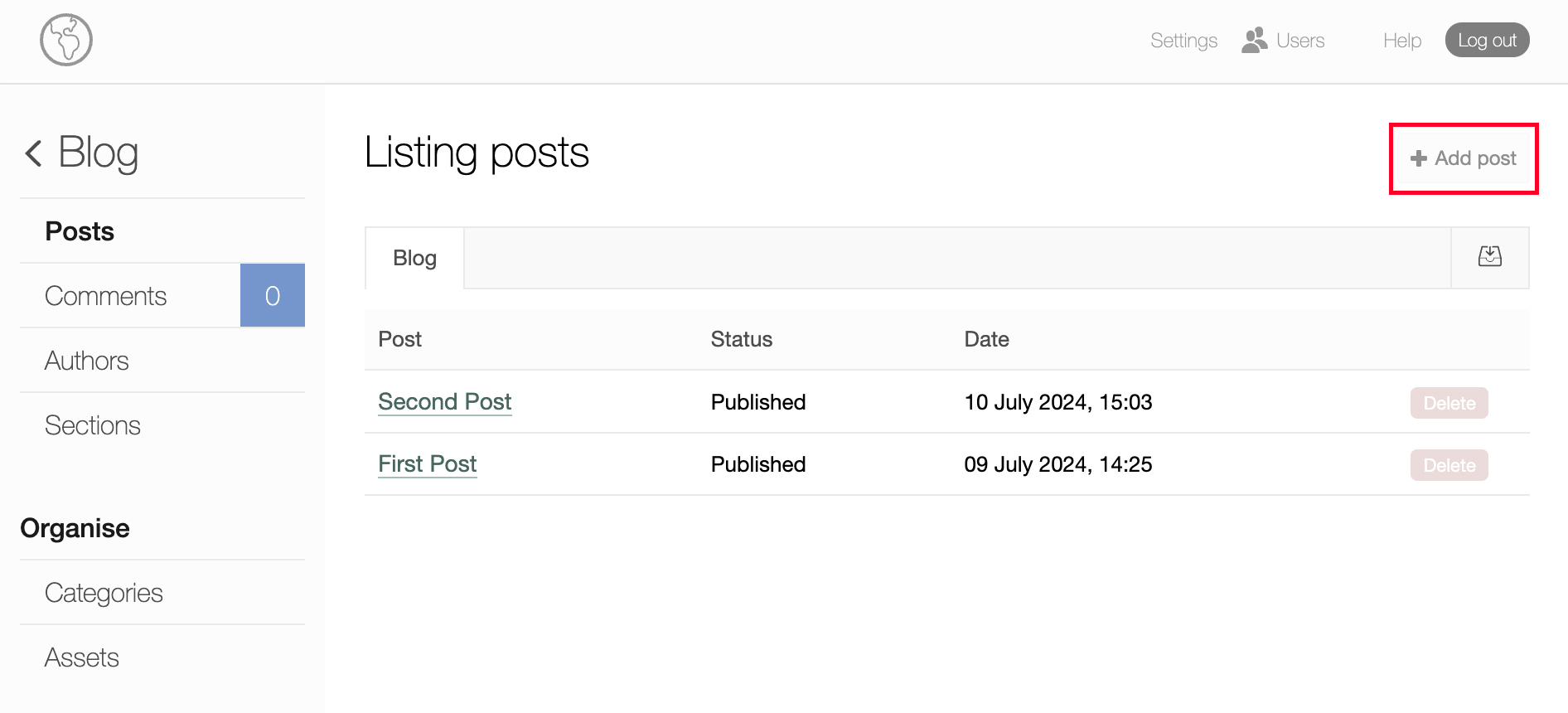
You will then see a list of your posts and will be able to create a new one:
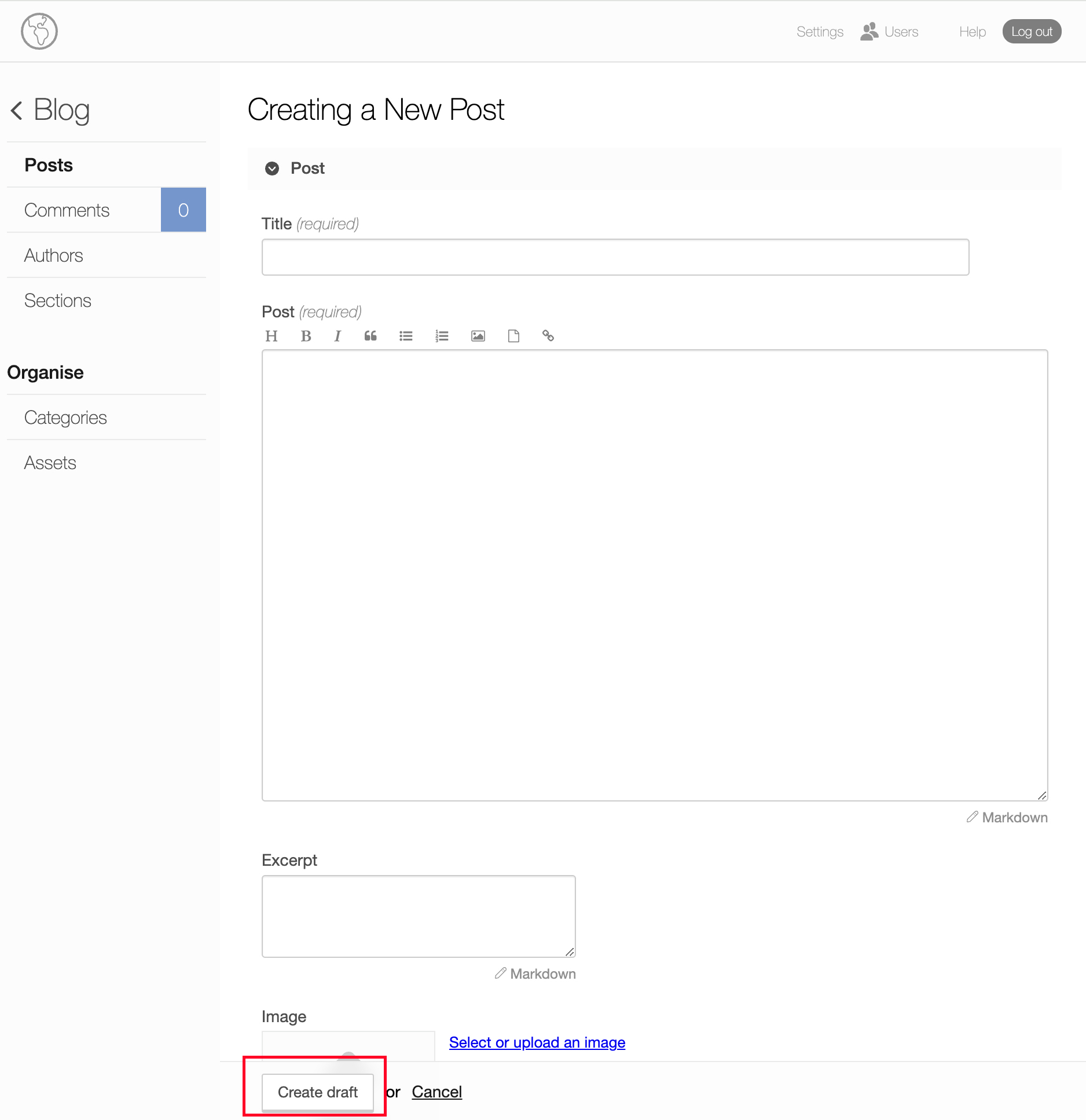
Once you have written your post, given it a title and provided an exerpt (that will show up on the site’s list of posts as a ‘taster’), go down to ‘Create Draft’:
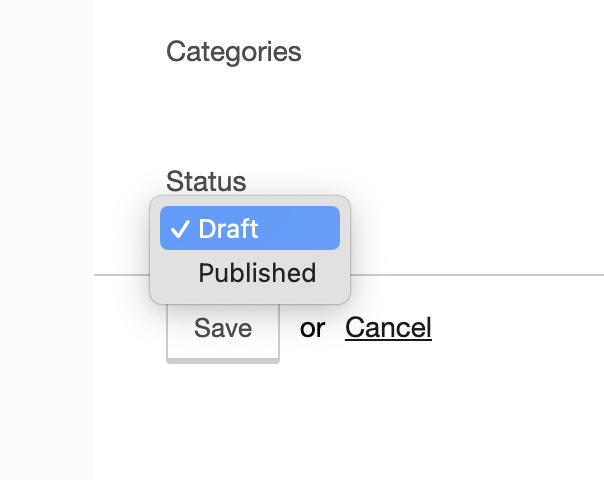
You then ‘Save it’ as a ‘draft’, then once saved use the drop down to PUBLISH, SAVE it again, and you’re done!